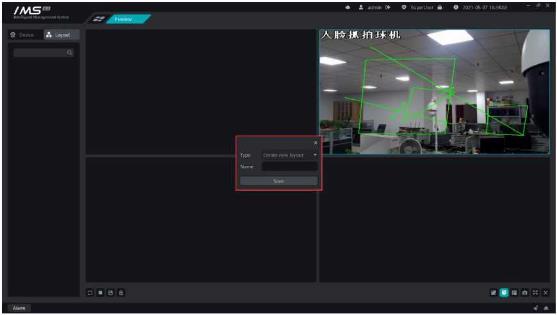
Figure 4-3
The right side of permission group management shows the information about the people added within the permission group: person number, name, department, valid time, list type.
Select a person to add to the permission group.
X Operation steps:
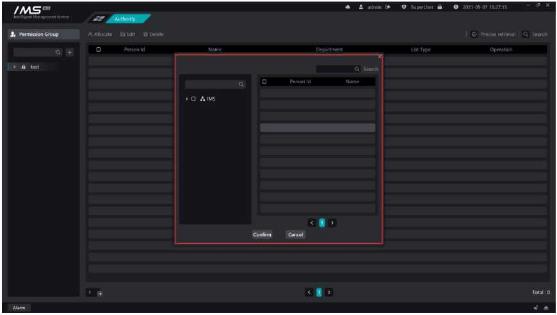
4 click [OK].
Figure 4-4
.
Description
Button
Modify the list type of a person in a permission group
Remove a person from a permission group
The main functions of real-time preview are channel preview, viewing device main subcode stream, front-end device intercom, intelligent frame display, capture and so on.
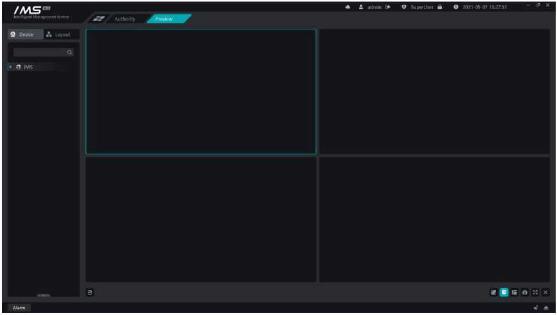
Figure 5-1
.
There are three ways to open real-time video by viewing the real-time video screen of the monitoring point.
1 right-click device on current
X Operation steps:
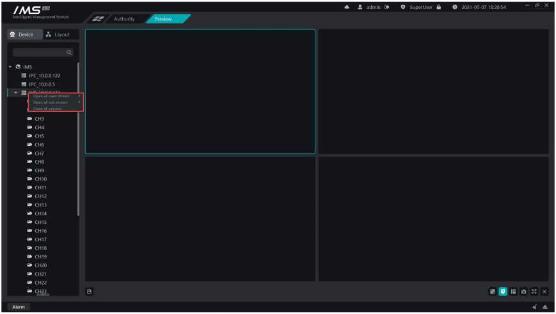
3 Select [turn on all main streams] or [turn on all substreams], as shown in figure 5-2
.
Figure 5-2
2 right channel open flow
Operation steps:
1 enter the real-time preview interface.
2 right-click the channel node on the device tree on the left.
3 select [master stream] or [substream], as shown in figure 5-3
Figure 5-3
3 drag and drop channel open flow
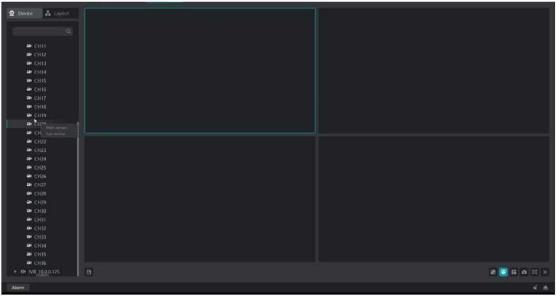
X Operation steps:
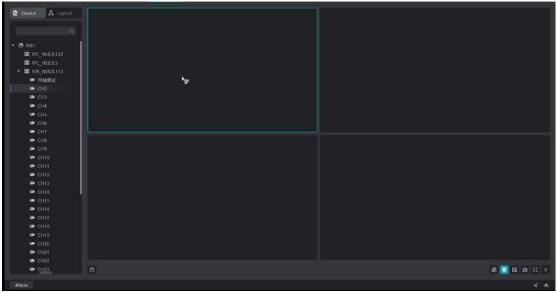
3 select [master stream] or [substream], as shown in figure 5-4
Figure 5-4
.
s Description:
5Region
: equipment
: Channel
CkChannel playback status
Ek: Channel offline state
Description
Button
Intelligent frame
Intercom
Capture
Immediate playback
Monitor
Turn off preview
There are three ways to turn off the real-time preview screen of the current client, and there are three ways to turn off the real-time preview:
X Operation steps:
1 When the mouse enters the playback window that needs to be closed, the window title is displayed.
2 click the button [X]to close the preview.
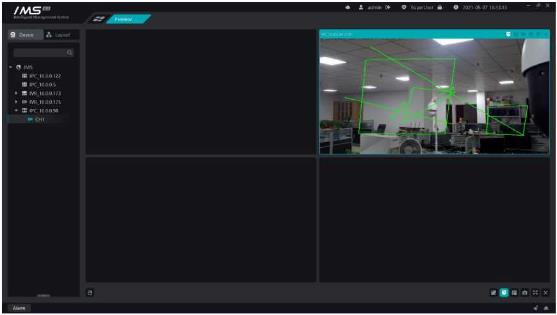
Figure 5-5
.
X Operation steps:


