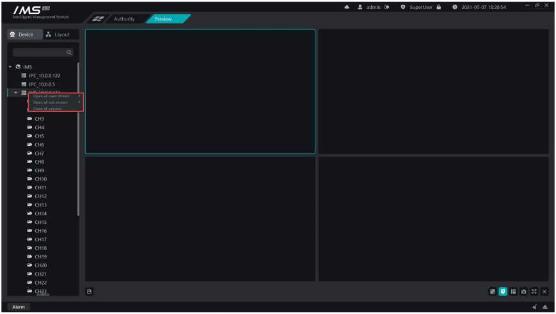
Figure 5-6
.
1.3.close all previews
Operation steps:
1 click the button [X] on the lower right corner to close all previews with one click
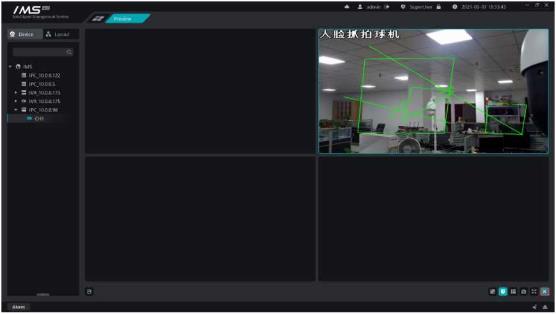
Figure 5-7
.
Set the packet layout so that you can turn on the channel preview in the packet layout.

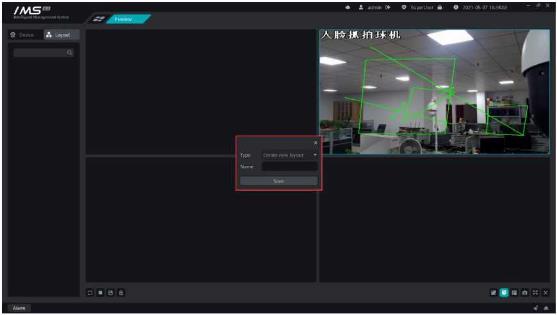
Figure 5-6
.
Operation steps:
1 click the button [X] on the lower right corner to close all previews with one click
Figure 5-7
.
Set the packet layout so that you can turn on the channel preview in the packet layout.

