X Operation steps:
1 set up the split screen.
2 drag and drop the channel to open the flow.
3 click save.
Button
Description
.
Start a round tour.
II
Pause round patrol
.
Stop the wheel patrol
Save the current layout or new layout
Delete layout
ra
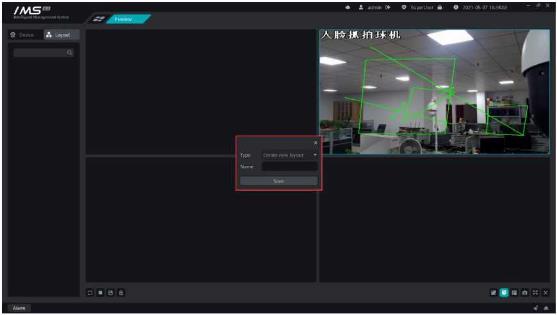
Figure 5-8
IMS 4.0 management system client and front-end device to establish a call connection, and the front-end device for real-time calls to talk to each other.


