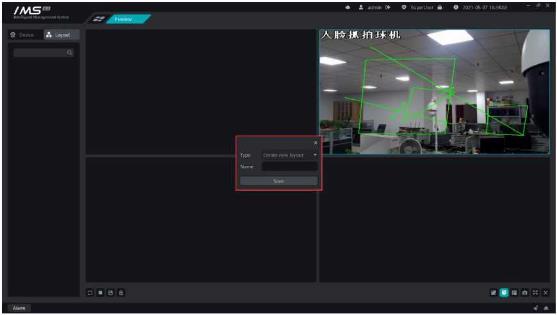
X Operation steps:
1 enter the equipment management interface.
2 click the button [0] on the list of devices to confirm deletion.
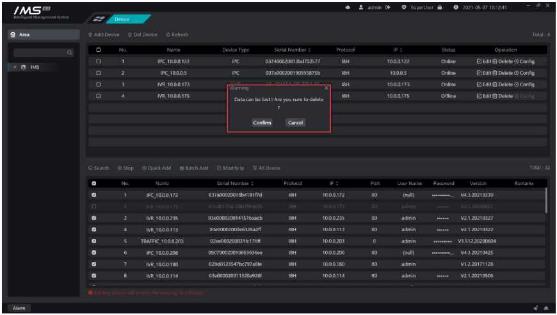
Figure 2-10
.
£ Note:
When you delete a device, you also delete data related to the IMS 4.0 client software on the device, such as sending face pictures through IMS 4.0 client software.
Log on to Yunzhi account to obtain cloud devices for control.
x Operation steps:
1enter the equipment management interface.
2click the button [ ] on the main panel to open the panel for logging in to Yunzhi account
3enter Yunzhi account number and password, and select the area node that the device specifies to add.


