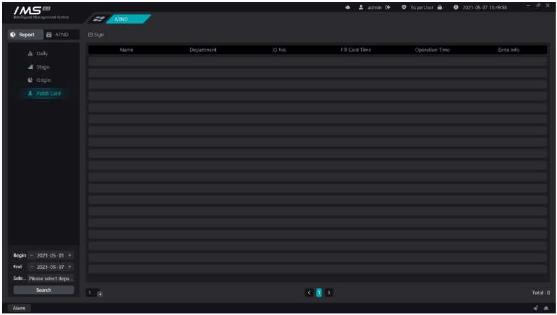
Figure 9-13
.
Displays the employee’s card record, showing: name, department, person number, card replacement time, operation time, remarks. When the employee forgets to punch in, the attendance status of the missing card will be generated in the attendance record, click [0Button to open the replacement page for replacement.
X Operation steps:
1choose [replacement person].
2set the [replacement date].
3set the [replacement time].
4fill in [remarks information].
5click [save].


