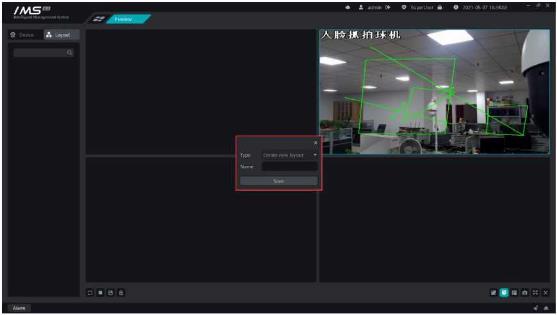
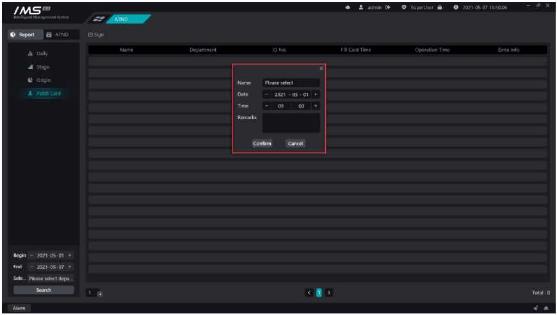
Figure 9-14
.
After the replacement is successfully saved, the daily statistics and phase summary recalculate the report data of the replacement person during the replacement date.
Add the distributed storage server in the local area network, get the disk list of the storage server and set the configuration, set the channel for the storage server and the video mode and recording time of the channel. In the playback module can view video on the storage server side.
X Operation steps:
1 click [
].
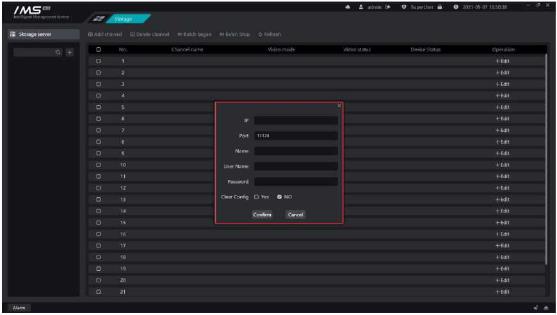
Figure 10-1
.
.
Description
Button
Edit storage server information and currently can only modify the storage server name.
Set storage server quotas.
Remove the storage server from the IMS system.
Click the quota button on the storage server tree to open the quota list for the current storage server. The information shown in the list is the hard disk number of the current storage server, the partition, the free space for each partition, the video space, and the quota size.
X Operation steps:
1 click [0].
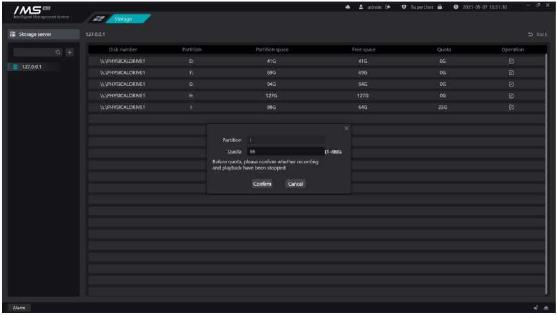
Figure 10-2
.
E Note:
All video or stored video playback needs to be stopped before setting quotas.


