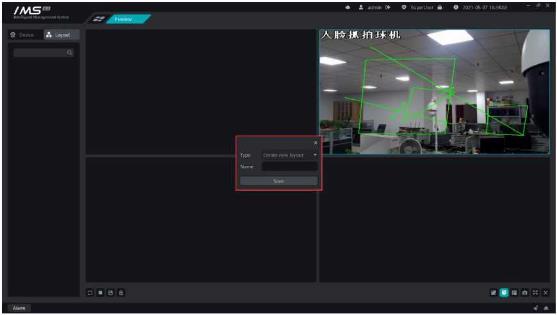
Add the channel first.
X Operation steps:
1click [add Channel].
2select the channel.
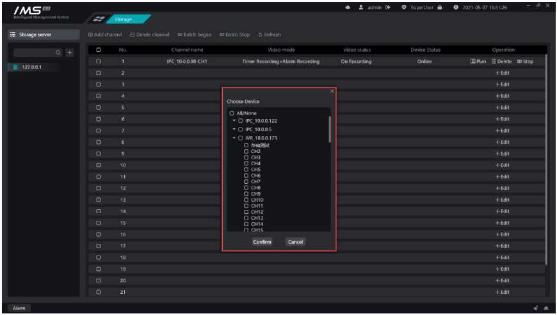
3 click [OK].
Figure-10-3
Description
Button
Configure channel video mode and time.
Delete the channel.
Click on the [ Open the channel video mode configuration page
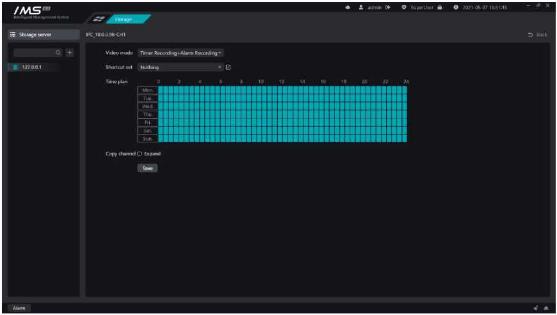
Figure 10-4
X Operation steps:
1 click on the [in the channel list operation] Icon opens the video page.
3choose
4time plan setting, can quickly apply template.
5if you want to copy the video mode settings for the current channel to another channel, check [expand] and check the other channels to which you want to copy.
6click [save].
Add time plan template, channel video mode configuration can quickly apply template, the current default template has working days and all-day two.
X Operation steps:
1 click on the channel video mode settings in the shortcut settings behind [ E Icon template editing page.
2click [ ]to add a template name.
3in the time area, select the time clips that need to be videotaped.
4click [save].


