1.3.2 Playback Control
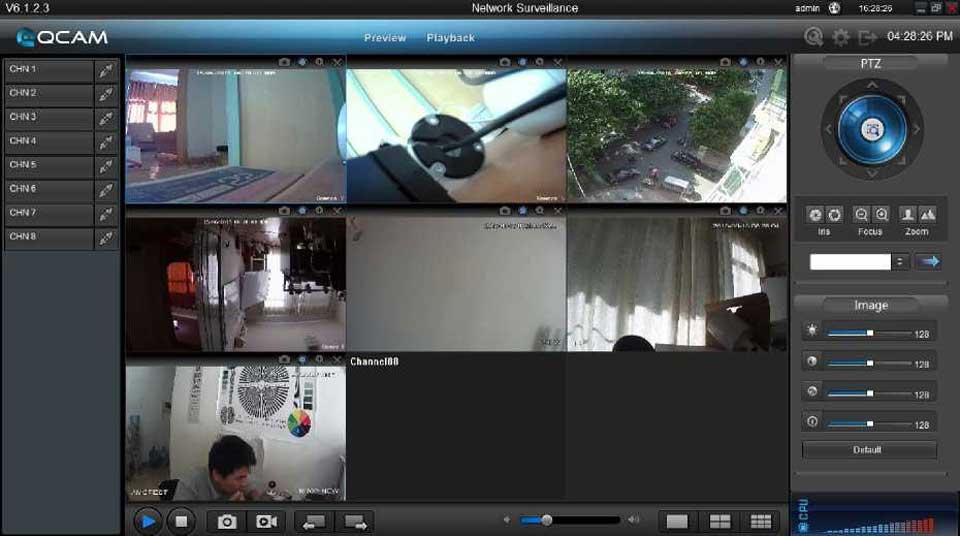
When playback has succeeded, you can control the playback:

1)Play / Pause.
2)Stop.
3)Single frame forward.
4)Volume control.
5)Enable/Disable the audio.
6)Snap shot.
7)Clip the video length for downloading.
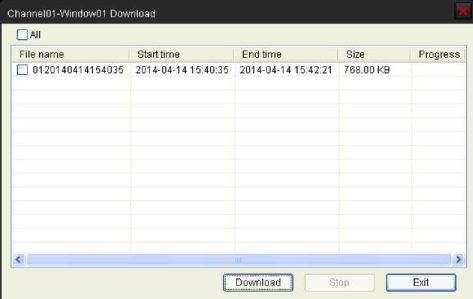
8)Download the recording file. The default directory for the downloaded file is C:\ DownloadFile. You can modify the directory in Setup -> Local Settings page.


