PC Software
Verified Article

IMS300 SURVEILLANCE SYSTEM USER MANUAL

Quick Summary / Highlights
4. . Video Surveillance . . 4.1Real-time Video IMS300 support realtime preview, local recording, snapshot, PTZ control etc. 4.1.1Real-time preview Steps show...

4.

.

Video Surveillance

.

.

4.1Real-time Video

IMS300 support realtime preview, local recording, snapshot, PTZ control etc.

4.1.1Real-time preview

Steps show as below:

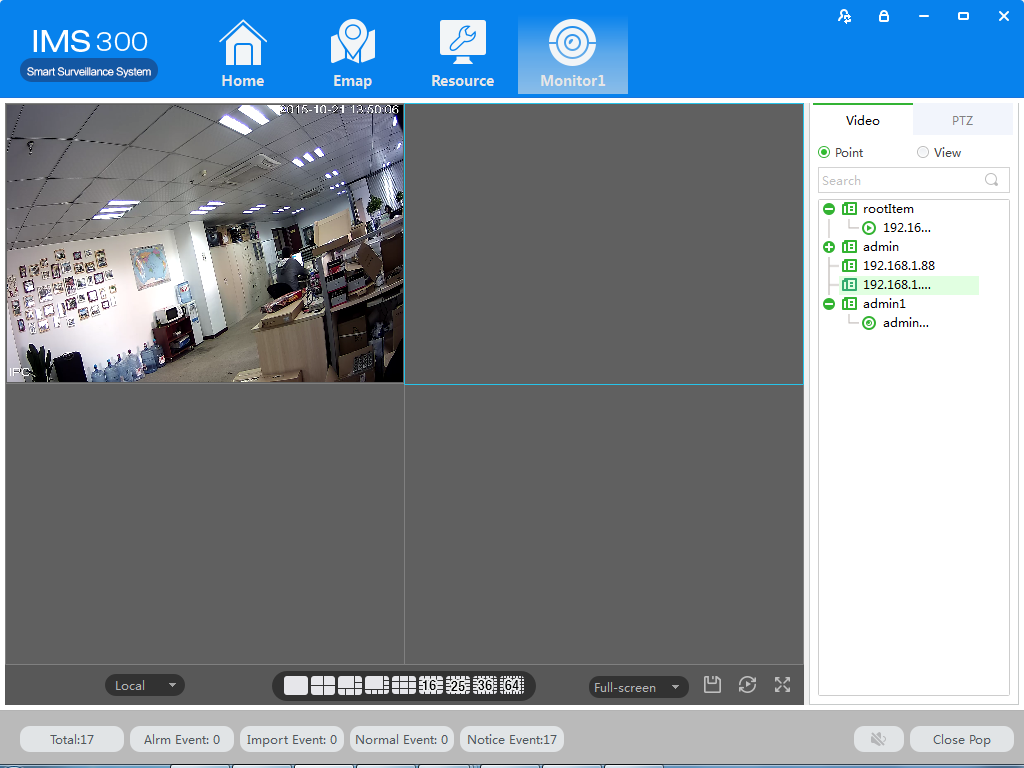
Step 1:click【Realtime Monitor】in business logic area, the system will show the realtime monitor interface;

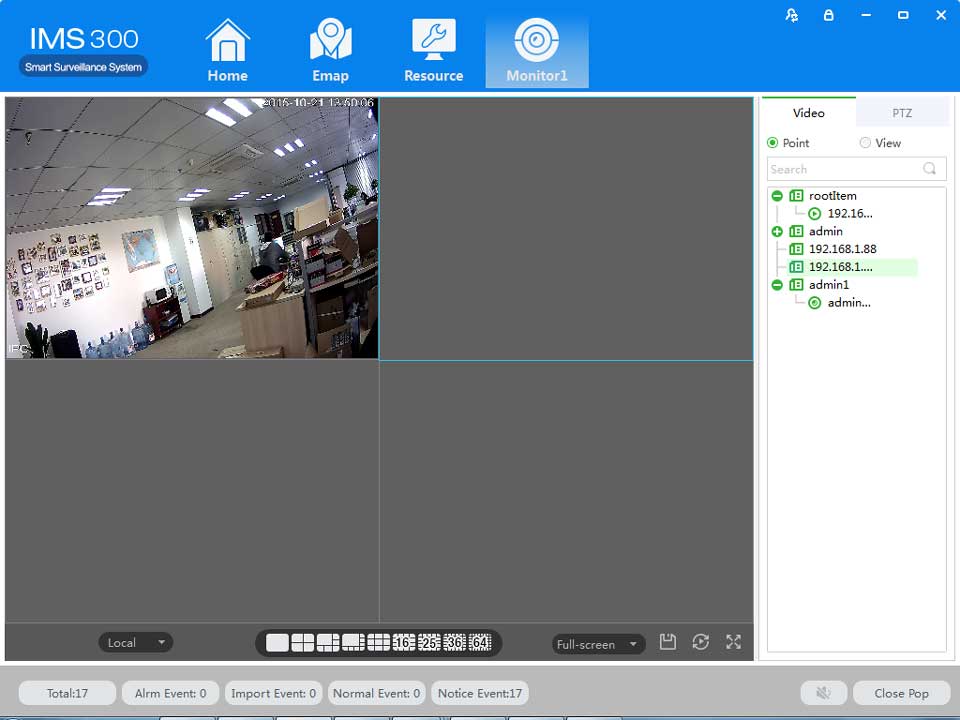
Step 2:In the device list at the right side of interface, choose the channel and drag to video window; It will show the realtime monitor interface in video window. See below figure 4-1 .
.

IJZER20ZY9909K

Figure 4-1 Real-time Video

.

Author & Editor

admin

MSAWRP Editorial Board member and senior news analyst.

Leave a Reply

Your email address will not be published. Required fields are marked *