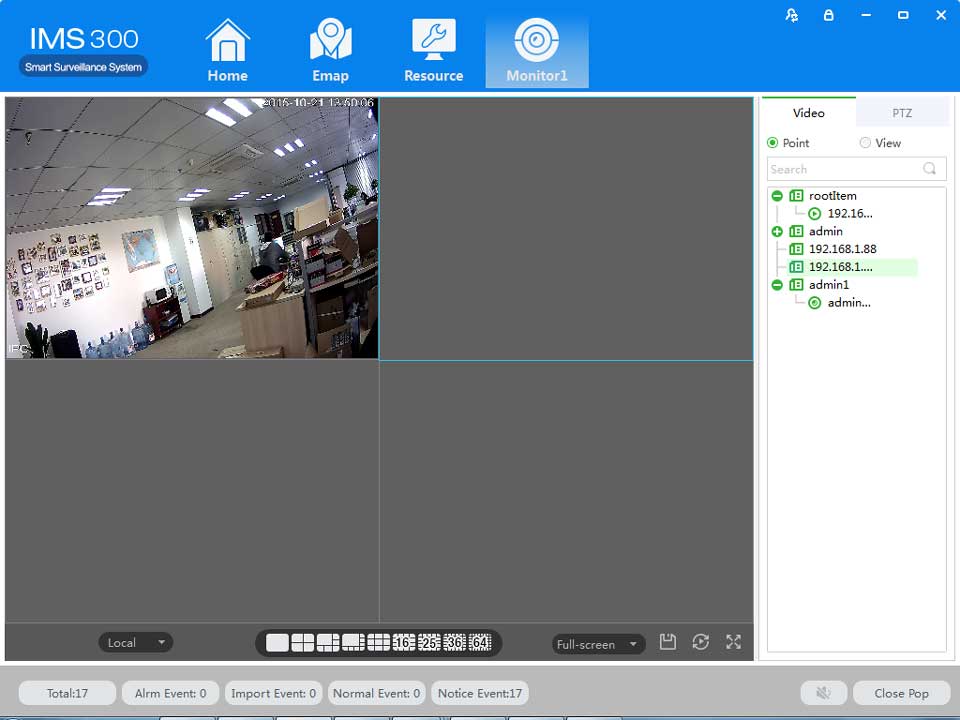
Step2:Click[save] after finish setting.
:Click [default] to reset local configuration

Detailed process as described below:
Step1: Click [Document Configuration] in the home page of the client(see figure 3-2 area 4).
【Basic Setting】interface as figure 8-2:
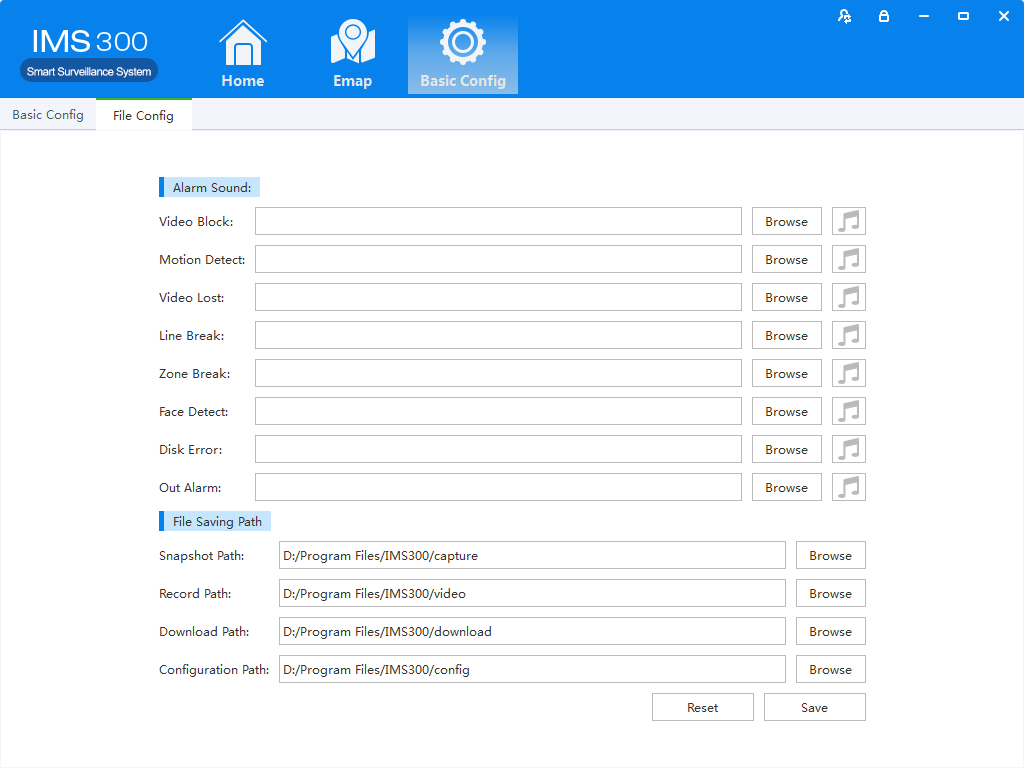
Figure 8-2 File Setting
|
Name |
Parameter |
Description |
|
Audio Alarm |
Video Shade |
Set video shade alarm |
|
Motion Detection |
Set motion detection alarm |
|
|
Video Lost |
Set video lost alarm |
|
|
Tripwire Intrusion |
Set tripwire alarm |
|
|
Region Intrusion |
Set Region intrusion alarm |
|
|
Face Detection |
Set face detection Alarm |
|
|
Disk Error |
Set disk error alarm |
|
|
External Alarms |
Set external alarm |
|
|
File Path |
Capture Path |
Set save path of captured pictures |
|
Recording Path |
Set save path of recording videos |
|
|
Download Path |
Set save path of download video |
|
|
Configure Path |
Set save path of local configuration |
Step2: Click [Save] after finishing the settings.
:Click【Reset】to restore all file configuration to default..

Steps of plan configuration as following:
Step1: Click [View Plan] on home page(See Area 2 of Figure3-2)
[Plan settings] interface as figure 8-3:
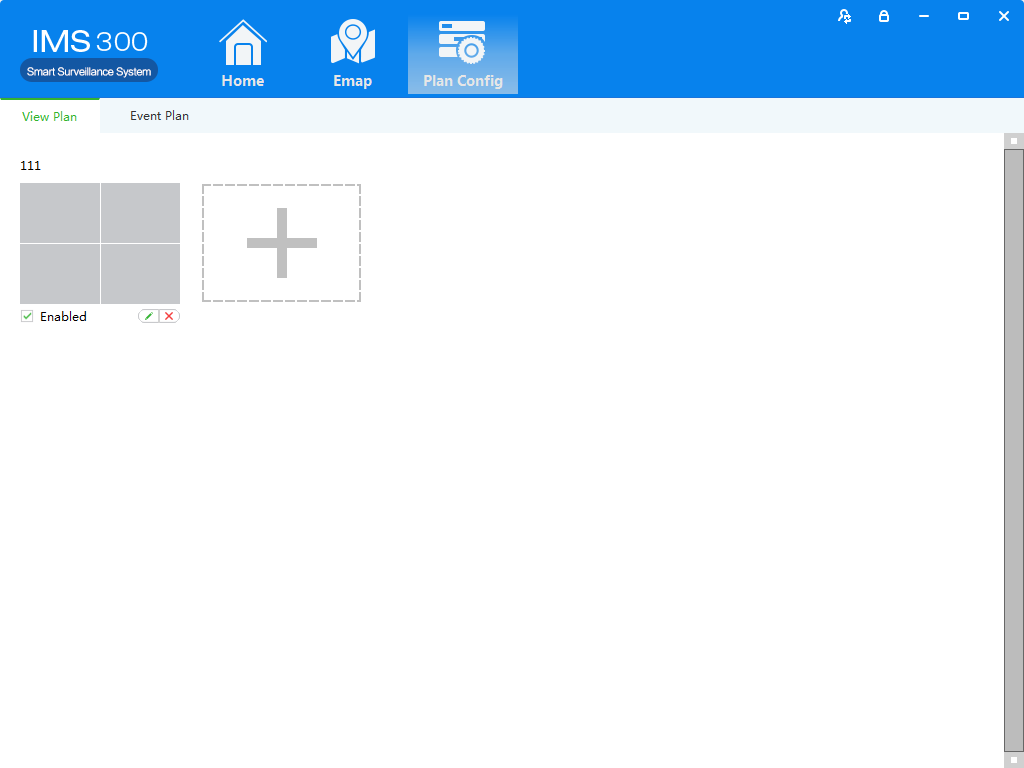
Figure 8-3 Plan settings
9User Management
Setting Steps as following:
Detailed setting steps see below:
Click [E-map] on home page( Area 1 of Figure3-2)
Step1:Click [User management] on the tool list of home page
【User Management】interface as figure 9-1:
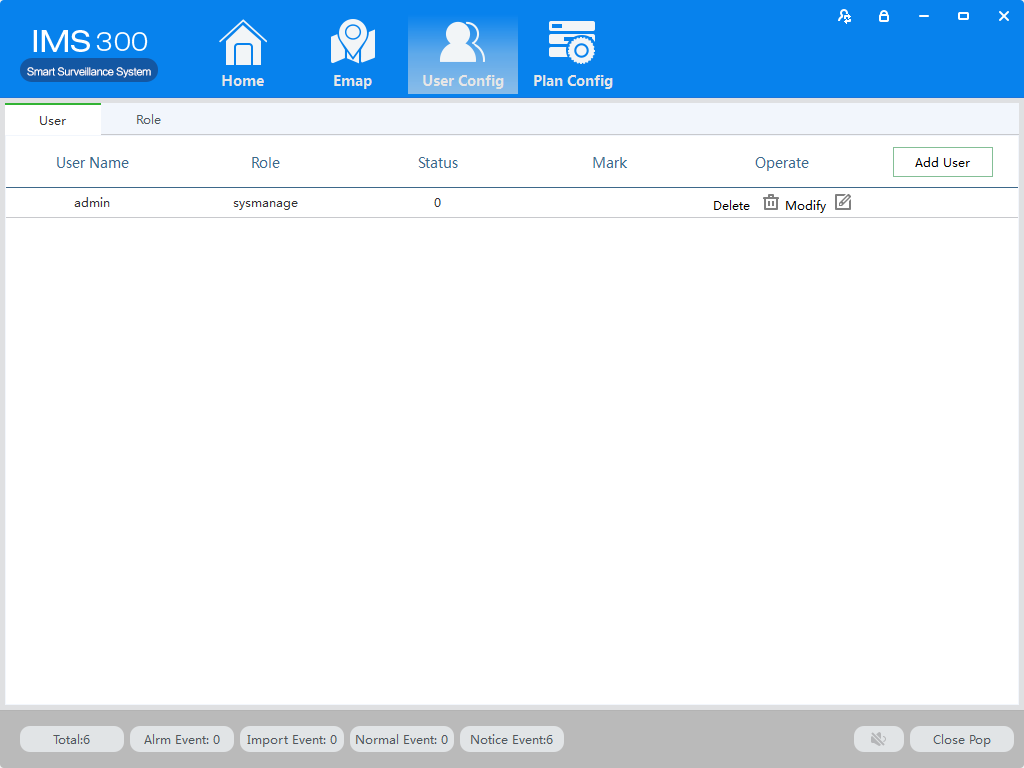
Figure 9-1 User Management


